Resource Pooling Strategies Across Shared Computing Environments
This principle forms the foundation of modern cloud computing, virtualization, and large-scale data centers. Many everyday services rely on resource pooling, even if users have never consciously encountered the technology. By learning more about these systems, beginners can understand how cloud platforms scale rapidly, support countless customers, and automatically adjust resources. Resource pooling involves more than just adding machines; planning, monitoring, and management are also essential to ensure the reliability, security, and efficiency of shared resources.
Definition of Resource Pooling in Computing Environments
Computing resources are centralized so they can be allocated to users, applications, and services as needed. These resources may include processing power, memory, storage space, network bandwidth, and graphics processors. In traditional computing environments, individual applications typically require specific hardware. For instance, one computer might run a database server while another handles internal software. Although this strategy offers control, it often leads to resource waste because the hardware rarely operates at full capacity.
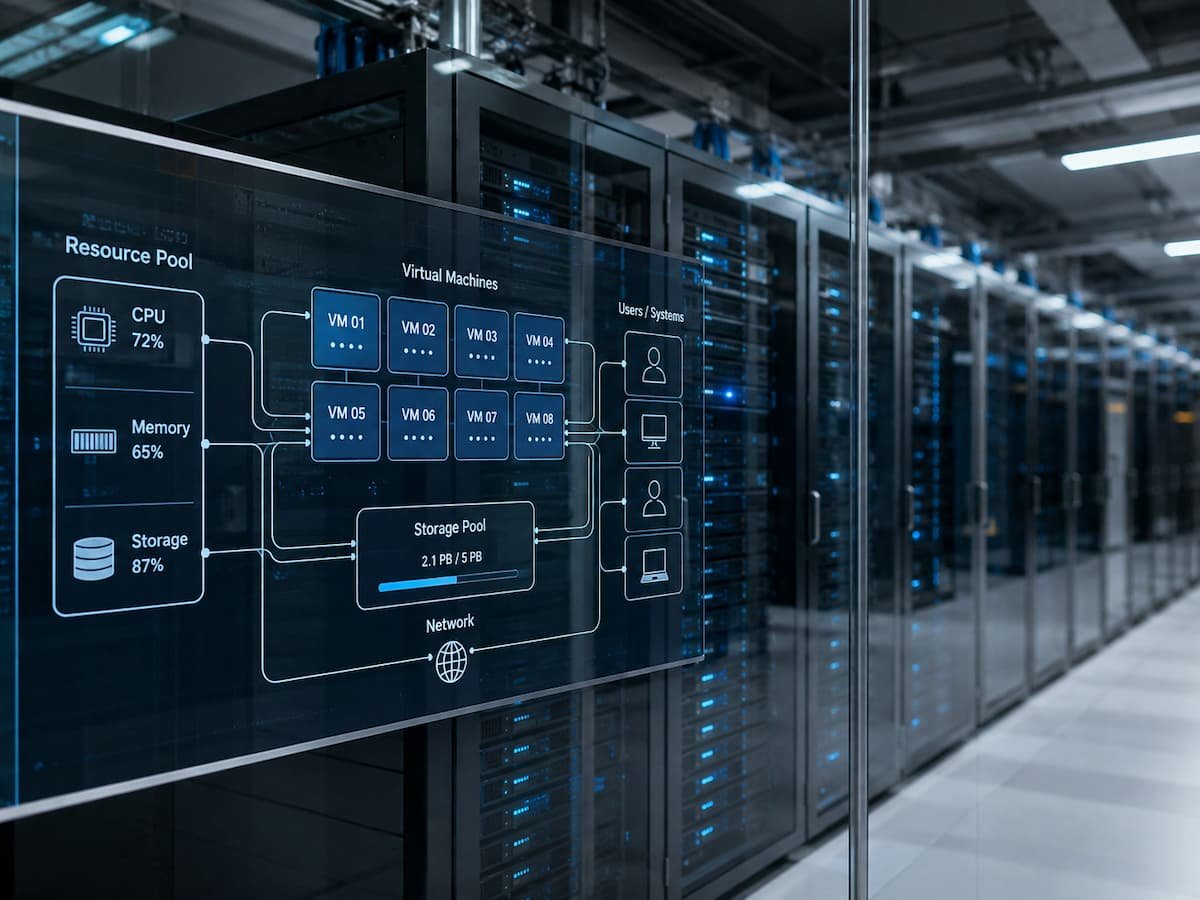
Resource pooling environments operate differently. Virtual machines, containers, and automated management systems enable multiple applications to share the same infrastructure. A system can use a shared resource pool to increase the capacity of a specific application. As demand decreases, the system can use these resources for other tasks. A simple example is a workplace printer network; instead of providing employees with their printers, companies offer shared printers for on-demand use. Resource pools operate in a similar way, though the system is more complex. Modern cloud service providers make extensive use of resource pools because thousands or even millions of customers can share the same infrastructure while maintaining unique computing environments.
Creating and Managing Resource Pools
An effective resource pool requires more than just connected machines. Administrators need a system capable of estimating capacity, analyzing workloads, and allocating resources without compromising performance. Physical resources are typically first consolidated into a managed infrastructure layer, utilizing high-performance servers, shared storage, and resource allocation software.
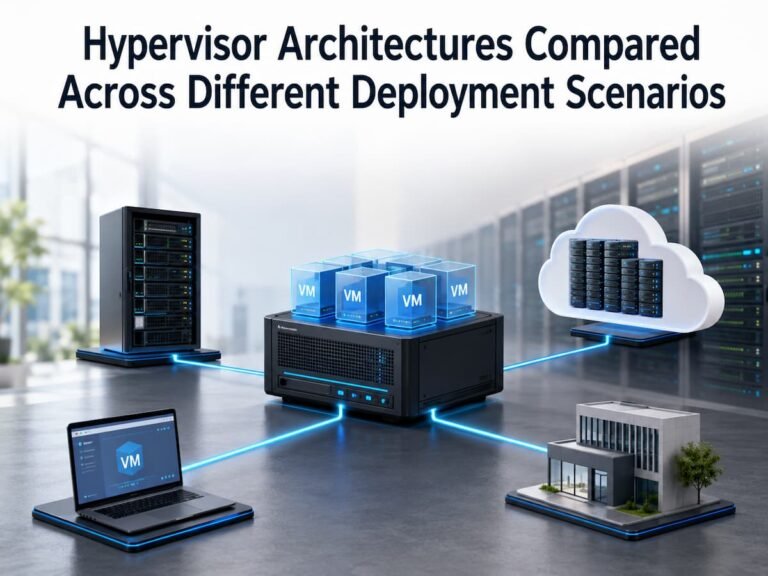
This process relies heavily on virtualization technology. A physical server can be partitioned into multiple virtual machines, each with its own operating system and applications. While these virtual machines share hardware, they operate independently from the user’s perspective. Container technology is based on this same principle but is more lightweight. Containers bundle applications and their components, allowing them to run efficiently on shared infrastructure without the need for virtual machines. Management software tracks the environment and monitors processor, memory, storage, and network traffic. Based on this data, automated systems can adjust workloads, increase capacity, or reallocate resources.
Common Resource Pooling Strategies Used Today
Different approaches are used by different businesses depending on their aims, types of workload, and technical needs. There is no one resource pooling strategy that can be used successfully in all environments.
Virtual Machine Pooling Resources
Virtual machine pooling is one of the most mature techniques. Physical servers are partitioned into many virtual environments that share the underlying hardware. Each virtual computer is allotted resources, yet the total system remains flexible. This is a typical strategy in enterprise data centers, as it allows organizations to run diverse applications on the same physical equipment. For example, a corporation may have its internal database, website services, and testing environments on shared servers instead of buying separate hardware for each function.
Resource Pooling Based on Containers
Container-based pooling is gaining popularity since it is possible to deploy programs rapidly and efficiently. Containers are isolated from one another and share the host operating system. Containers are typically used by development teams when they need to run multiple small services that need to talk to each other. A shared environment enables quicker deployment and less waste of hardware.
Pooling of Cloud Resources
The platforms of cloud computing are vast pools of resources that include thousands of servers, storage systems, and networking components. Customers can access resources as needed without the hassle of managing physical infrastructure. By leveraging the cloud, companies can add or remove capacity to match demand. For example, an online service that is seasonal may need more computer power in some months and less in the slow months.
Why Resource Pooling Improves Computing Efficiency
Efficiency gains extend beyond just computing usage. Shared storage pools enable companies to maximize storage space, while network resource management distributes traffic across connections. Companies can build flexible systems that adapt to changing needs without having to construct separate infrastructure for every application. For beginners, comparing this concept to shared workspaces makes it easier to understand. Private offices maximize independence, yet many rooms often remain empty. Shared workspaces optimize space utilization by allowing people to use available space as needed. Resource pooling for digital infrastructure works in a similar way.
System Resource Allocation: Who Gets What?
Sharing resources sounds simple, but determining workload capacity is crucial for resource pooling. Incorrect allocation can hinder application performance, cause service disruptions, or waste money. Resource allocation systems weigh numerous parameters before assigning capacity. These include demand, application priority, performance requirements, and infrastructure. Mission-critical applications may be assigned fixed resources, whereas test environments might receive variable capacity.
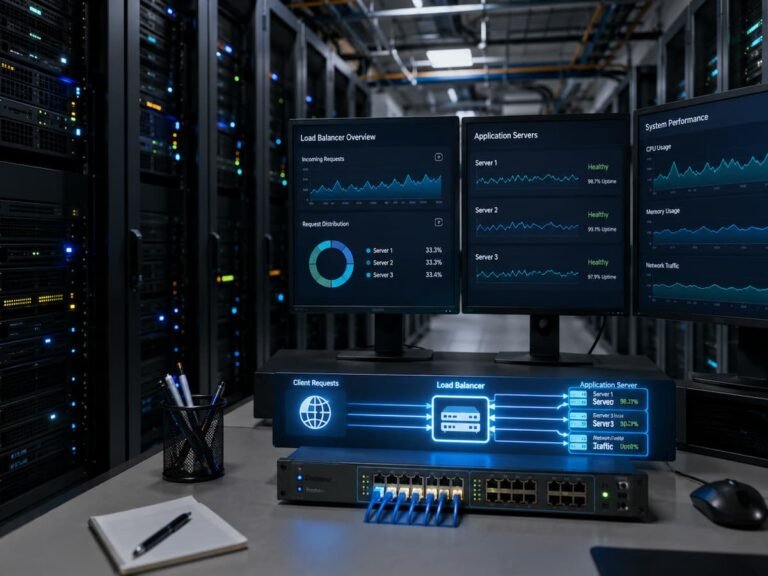
Many modern environments utilize automated scheduling. These systems analyze workloads and adjust accordingly, eliminating the need for administrators to manually move each application. To improve performance, the management platform can transfer workloads if one server is overloaded while another has spare capacity. Automation does not replace planning. Organizations still require clear standards specifying which applications take priority, how much capacity should be reserved, and what constraints prevent a single workload from consuming all available capacity. Well-designed resource pools strike a balance between flexibility and control. Sharing resources can improve efficiency, but careful management is essential to protect the environment.
Security in Shared Computing
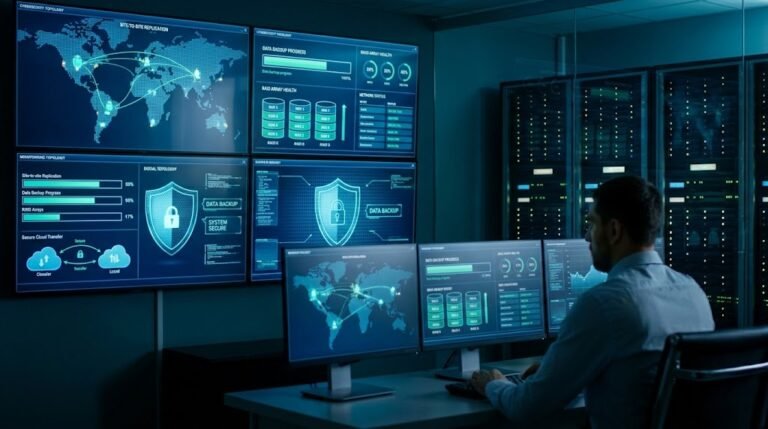
Shared infrastructure can improve efficiency but also increases security risks. Since multiple users, applications, or organizations may use the same hardware, robust isolation and security measures are required. Isolation is a common challenge; each user or application should only access authorized resources. Virtual machines, containers, access controls, encryption, and monitoring tools can be used to isolate workloads.
Another key issue is resource abuse. A misconfigured application can consume excessive computing resources, affecting other users. This is known as the “noisy neighbor” problem, where a single task degrades the performance of others. Regular security audits, software updates, license checks, and performance monitoring are best practices for managing resource pools. Never add security measures after deployment; they must be incorporated into the design from the start.
Common Design Errors in Resource Pools
While resource sharing offers benefits, poor planning can lead to problems. Many problems stem from simply combining hardware without proper management. A common mistake is the lack of workload data for resource pools. If administrators do not understand application behavior, they may allocate too much capacity to some systems and too little to others. Monitoring usage patterns helps improve assessment.
Ignoring future growth is another mistake. An increase in applications, users, and data can complicate the management of resource pools designed to meet current needs. Proper planning enables scaling and capacity assessments. Organizations sometimes neglect documentation. In a shared environment with many interconnected systems, poor documentation can hinder troubleshooting. Log settings, resource constraints, and roles all play a part.
Practical Use Case: Enterprise Resource Pooling
Imagine a mid-sized enterprise with an online store, accounting software, employee applications, and development systems. In a typical architecture, the peak expected demand for each service might require multiple servers. This approach often results in many idle machines; for instance, the online store might need extra capacity during sales promotions, whereas development systems require resources only during business hours.
Resource pooling enables enterprises to distribute these workloads. The online store can access more resources during peak shopping periods, while those same resources can support other programs during off-peak times. While enterprises still need to implement monitoring, security measures, and performance planning, they gain greater flexibility without the need to purchase new hardware.
Best Practices for Maintaining Resource Pools
Resource pools cannot simply be set up and forgotten. Computing demands constantly shift, requiring ongoing management of configurations. Key techniques include regular monitoring; administrators must track resource usage, identify bottlenecks, and adjust allocation rules based on workload fluctuations. Historical data can reveal whether systems are underutilized or nearing maximum capacity.
Clear resource policies enhance reliability. To manage shared resources effectively, organizations must establish constraints, priorities, and access rules. This prevents workloads from negatively impacting the environment. Testing changes before deploying them to production is also a best practice; a configuration change intended to improve one program might inadvertently harm another. Controlled testing allows issues to be detected before they affect users. Finally, organizations must evaluate whether their resource-sharing strategy meets their needs. As applications, business goals, and technologies evolve, the optimal approach may change as well.
The Future of Resource Pooling in Computing
In today’s computing landscape, resource sharing remains vital as organizations adopt flexible digital infrastructures. Distributed applications, cloud platforms, and automated systems all require effective resource management.
Future developments will likely focus on smarter automation, workload forecasting, and the efficiency of specialized hardware. Many environments are already utilizing artificial intelligence and advanced monitoring systems to analyze demand trends and improve resource-related decisions. For those new to the concept, the fundamental principle is that computing resources can serve multiple purposes. Effectively managed shared resources reduce waste, increase flexibility, and enable organizations to design systems capable of adapting to changing demands.
FAQs
1. What is the primary purpose of resource pooling?
The primary purpose of resource pooling is to consolidate computing resources into a shared environment, enabling the efficient allocation of capacity across different applications, users, or services.
2. Is resource pooling used only in cloud computing?
No. Resource pooling is common in private data centers, virtualized environments, enterprise networks, and cloud platforms. While cloud computing makes extensive use of this concept, the principle also applies to many other types of shared infrastructure.
3. Does resource pooling compromise security?
Resource pooling does not inherently compromise security. The security of a shared environment can be ensured through appropriate measures such as isolation, encryption, access controls, and monitoring. Security issues typically arise from improper configuration rather than the resource sharing itself.
4. What technologies support resource pooling?
Technologies such as virtual machines, containers, cloud management platforms, software-defined networking (SDN), and automated scheduling systems enable organizations to create and manage resource pools.
5. Why is monitoring important in resource pooling?
Monitoring helps administrators understand usage patterns, identify performance issues, prevent resource shortages, and make informed decisions regarding future capacity planning.
References
- National Institute of Standards and Technology (NIST) — The NIST Definition of Cloud Computing:
https://nvlpubs.nist.gov/nistpubs/Legacy/SP/nistspecialpublication800-145.pdf - VMware Documentation — Virtualization and Resource Management Concepts:
https://docs.vmware.com/ - Docker Documentation — Containers and Container Technology:
https://docs.docker.com/ - Cloud Native Computing Foundation (CNCF) — Cloud Native Technologies:
https://www.cncf.io/