Performance Degradation vs Hardware Failure: Knowing the Difference
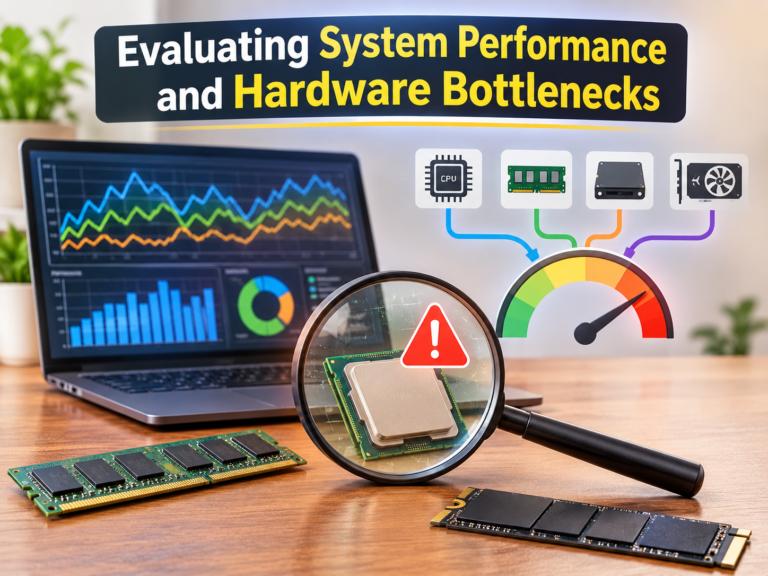
When a computer runs slowly, we often assume it is a hardware problem. However, this conclusion is frequently incorrect. I am familiar with many systems featuring perfectly functional hardware that run significantly slower than they did a year ago. This drop in responsiveness results from the cumulative effect of factors such as software updates, temperature fluctuations, storage usage patterns, background processes, or increased workloads—rather than simply being due to aging hardware.
Conversely, misconceptions regarding hardware failures are equally widespread. In practice, hardware failures often begin with seemingly minor signs that resemble typical performance issues. For instance, programs might take longer to launch, games may stutter slightly, or workstations might crash only when processing large projects. These are problems that develop gradually. Users might spend weeks optimizing software or reinstalling the operating system, all while the underlying issue is simply aging hardware.
Understanding a computer’s “normal” state is therefore less about looking for specific symptoms and more about distinguishing between performance degradation and hardware failure. Both can make a system feel unstable, yet they leave behind distinctly different signals. Learning to interpret these signals leads to faster troubleshooting, better-informed upgrade decisions, and less wasted hardware.
When a Computer Slows Down Without Anything Being Broken
A decline in performance does not necessarily indicate a hardware fault. Computer usage rarely remains static year after year. Applications become increasingly complex, operating systems add new features, browsers accumulate extensions, the number of open programs rises, and storage devices take longer to load new data. Each change consumes existing system resources. The result is often a slower system, even if every key component is still operating within its original specifications. Opening large applications takes longer, multitasking becomes less smooth, and operations that used to be instantaneous now take more time. While these changes can be frustrating, they usually indicate that the system is handling an increased workload, rather than signaling a problem with the CPU, memory, or storage device.
This distinction is crucial because the appropriate solution is usually optimization, not replacement. Without replacing hardware, system responsiveness can be significantly improved by stopping unnecessary background processes, freeing up storage space, updating drivers, improving cooling, or adjusting the expected workload.
Why Gradual Changes Are Difficult to Notice
Performance degradation often occurs very slowly, and users adapt to it almost imperceptibly. A monthly drop of 1% or 2% in system speed usually only becomes noticeable when the cumulative difference becomes significant. By then, you may have already forgotten how fast your computer was initially.
It is this slow, steady progression that makes many people feel their computer has “suddenly become slower,” even though the underlying cause has been quietly building up for months.
Hardware Failures Typically Manifest Differently
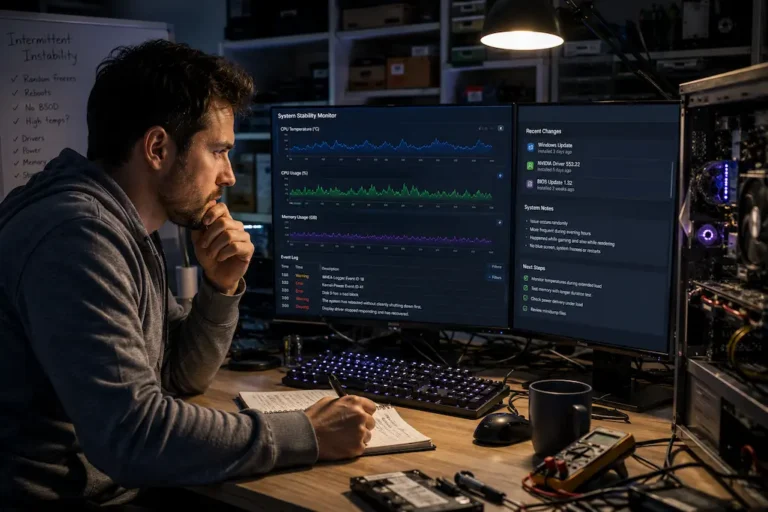
Normal performance degradation primarily affects speed, whereas hardware failures mainly impact reliability. Components on the verge of failure exhibit abnormal behavior. The system might crash suddenly after hours of use, storage devices could become temporarily inaccessible, and previously functional applications might crash under certain conditions. These symptoms differ significantly from the increased time a computer might take to perform routine tasks. Hardware faults often cause unpredictable delays rather than predictable ones. A task that works today might fail tomorrow; the same operation could yield different results, even without significant software changes.
Faults can also become increasingly apparent over time. For instance, a cooling fan with a damaged bearing might initially make intermittent noise, eventually leading to reduced airflow and rising temperatures. When storage devices begin to develop unreadable sectors, only a few files may be affected at first, before the problem spreads to more sectors. Hardware issues typically develop gradually rather than appearing suddenly.
Since performance issues often closely link to reliability problems, it is crucial to look for trends rather than focus solely on individual events. In many cases, consistency—or the lack thereof—is more effective for diagnosing problems than performance measurements alone.
Editorial Observation
While helping diagnose aging desktop systems, I’ve found that users frequently describe every issue as “it’s getting slower.” After looking more closely, the underlying causes are often very different. Some machines simply accumulated years of background software and reduced free storage, while others showed unmistakable signs of unreliable hardware, such as intermittent crashes during identical workloads. The symptoms sounded similar, but the solutions were completely different.
Looking at Symptoms Instead of Assumptions
One of the quickest ways to misdiagnose a computer problem is to start with a conclusion instead of an observation. Assuming that every slowdown points to failing hardware—or that every crash must be caused by software—can lead to unnecessary troubleshooting and expensive replacements.
A more effective approach is to examine how the system behaves under different conditions. Does performance remain consistently lower than expected, or does it fluctuate dramatically? Are problems limited to one application, or do they affect the entire operating system? Does restarting temporarily improve responsiveness, or do failures continue regardless of software changes?
These questions help narrow the possibilities because degradation and failure rarely produce identical behavior. A consistently slower computer often suggests changing workload demands or accumulated software overhead, whereas unpredictable interruptions point toward reliability issues that deserve closer hardware inspection.
Comparing Typical Characteristics
| Characteristic | Performance Degradation | Hardware Failure |
|---|---|---|
| System responsiveness | Gradually decreases over time | May change suddenly or unpredictably |
| Stability | Usually remains stable | Crashes, freezes, or unexpected restarts become more common |
| Workload behavior | Similar tasks simply take longer | Certain tasks may fail completely |
| Progression | Often slow and predictable | Frequently becomes more severe or intermittent |
| Likely first response | Review software, cooling, and resource usage | Check hardware health and diagnostic information |
The table is not intended as a diagnostic checklist, but it illustrates an important idea: the nature of the symptoms is often more informative than their severity.
Why One Problem Can Lead to the Other
Performance degradation and hardware failures are two distinct but not entirely independent issues. A drop in performance can be the first sign that a computer is overheating, contains excessive dust, or is experiencing power supply issues. If these problems persist, they can place additional strain on components and increase the risk of an actual hardware failure later on.
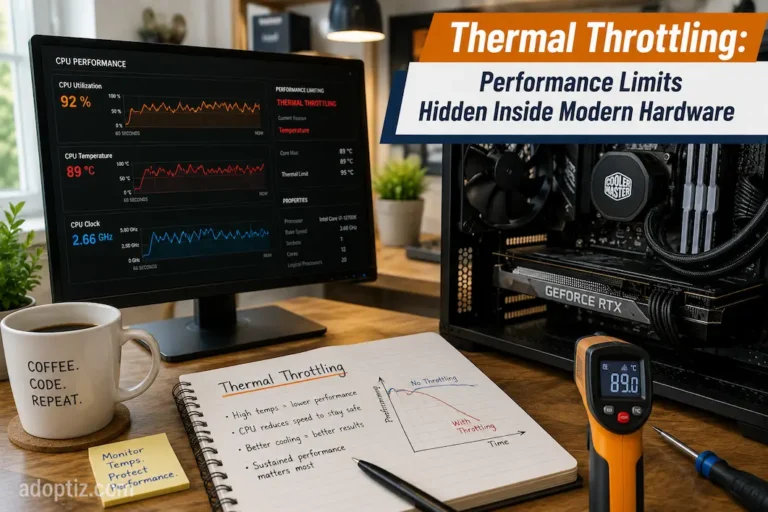
Moreover, component failure does not always occur immediately. A storage device with internal issues might first exhibit slow access speeds before read errors appear. Thermal issues can trigger thermal throttling long before stability problems arise. In some cases, performance degradation is a warning sign in itself, rather than the root problem.
Recognizing this connection is crucial, as it allows the issue to be investigated while symptoms are still manageable. Promptly addressing sustained thermal stress, improving airflow, or replacing a faulty cooling fan can often prevent more serious reliability issues.
Diagnosing Before Replacing Hardware
Replacing components is often not the best initial approach when a system is malfunctioning. Systematic diagnostics can usually determine whether the problem lies with the software, the environment, or the hardware. The goal is not to identify every possible cause at once, but to rule out the most likely factors through logical reasoning.
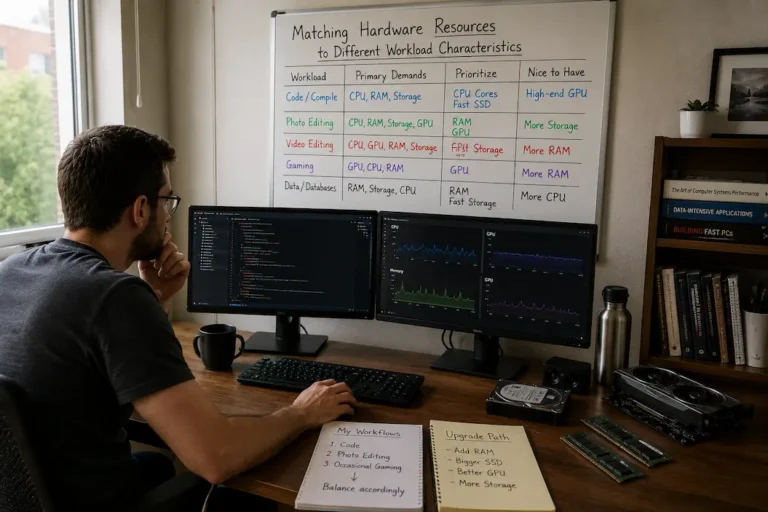
For instance, if a system was initially stable but performance is gradually declining, analyzing resource usage during normal operation can often provide useful clues. The issue could stem from continuous processor usage, insufficient available memory, nearly full storage, or extremely high operating temperatures (even without actual hardware damage). On the other hand, hardware diagnostics become particularly important when applications fail to shut down correctly, the operating system reports storage or memory issues, or recurring crashes occur.
Experienced technicians do not view every symptom as an emergency; instead, they look for patterns through repeated observation. A single slow startup does not necessarily indicate a problem; repeated malfunctions under the same load are far more telling.
A Practical Troubleshooting Sequence
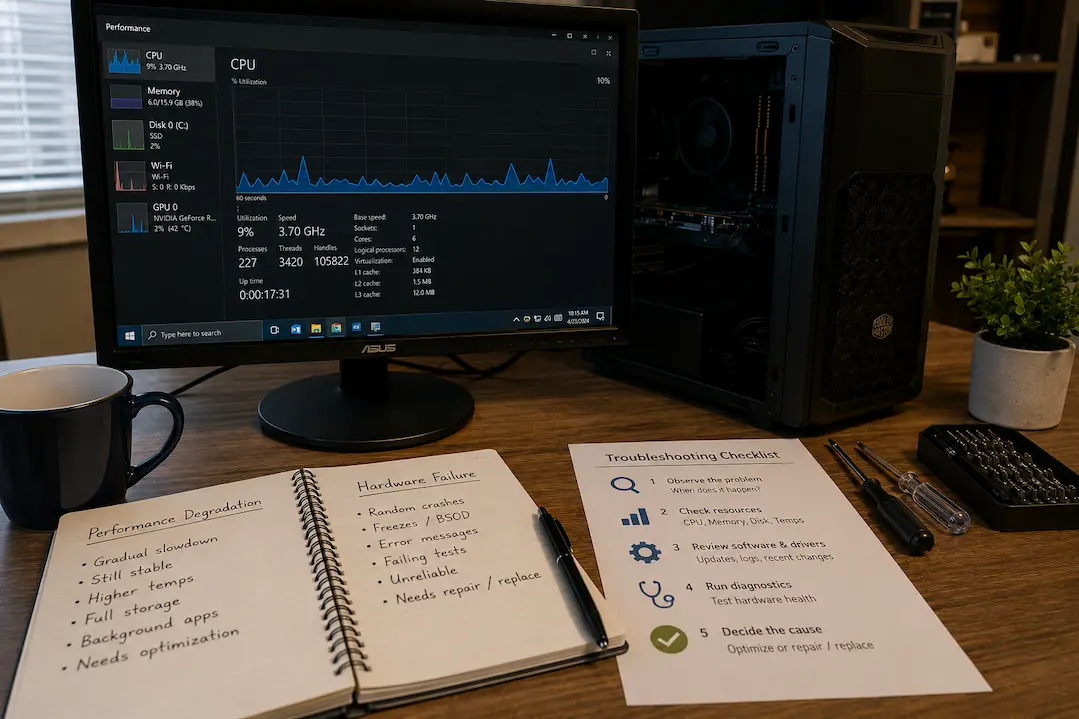
Instead of jumping directly to hardware replacement, it is often more productive to work through the system in stages:
- Observe when the problem occurs and whether it can be reproduced consistently.
- Review system resource usage and operating temperatures during the affected workload.
- Check storage health, operating system logs, and available firmware or driver updates.
- Run appropriate hardware diagnostics if stability issues continue after software and environmental causes have been considered.
- Replace components only after evidence points toward a likely hardware fault.
This approach reduces unnecessary upgrades while increasing the likelihood of identifying the real source of the problem.
Why Preventive Maintenance Still Matters
Many reliability problems do not begin with defective hardware leaving the factory. They develop gradually as systems operate in less-than-ideal conditions for extended periods. Dust restricts airflow, cooling performance declines, thermal interface materials age, and software environments become increasingly complex. None of these changes necessarily means the hardware is failing, but together they can reduce both performance and long-term reliability.
Routine maintenance helps separate normal aging from genuine defects. Cleaning cooling systems, ensuring adequate ventilation, maintaining reasonable free storage space, and keeping firmware and drivers current all contribute to predictable operation. These practices cannot prevent every hardware failure, but they reduce many of the external factors that make troubleshooting more difficult.
For organizations managing multiple systems, preventive maintenance offers another advantage: it establishes a baseline. When a computer begins behaving differently, administrators already understand what “normal” looks like, making unusual behavior easier to identify before it develops into a larger problem.
Key Takeaway
A slower computer is not automatically a failing computer, and an unstable computer is not always a slow one. Distinguishing between reduced performance and declining reliability begins with careful observation rather than immediate assumptions.
Understand the Actual Problem You Are Trying to Solve
Although performance degradation and hardware failures can both cause similar issues, their root causes are rarely the same. Performance degradation typically stems from factors such as workload fluctuations, software bloat, overheating, or resource constraints that reduce efficiency over time. Hardware failure, on the other hand, implies that a component is no longer performing to its design specifications, creating instability that cannot be resolved through optimization.
Understanding this distinction determines where the troubleshooting process begins. A better question to ask is not “Which component should I replace?” but rather “What consistent behavior is the system exhibiting?” This approach enables evidence-based diagnosis rather than reactive responses to isolated symptoms.
Computers usually fail with warning. Some signs indicate that the system simply requires maintenance or better resource management, while others suggest the hardware has reached the point where replacement is necessary. Understanding this distinction saves time and money, allowing for more confident decision-making when performance or reliability begins to fluctuate.