Rack, Blade, and Tower Servers: Matching Hardware to Business Needs
One of those decisions that can silently impact how successfully an organization performs for years is choosing the correct server hardware. A server can be deployed in a data center, a dedicated room within an office, or a tiny equipment cabinet. The choice of hardware will affect maintenance, expansion, cost, energy consumption, and more.
Choosing servers can be challenging if you’re new to IT architecture. You’ll hear terminology like rack servers, blade servers, and tower servers in commercial computing, but each architecture is solving a distinct challenge. Requirements will vary significantly between a small corporation using internal apps and a huge organization with hundreds of internet offerings.
The best server isn’t usually the most powerful. It is the one that fits the workload, the space available, growth plans, and technical resources of the company. Understanding the distinctions between these server types helps businesses avoid paying for needless capacity while ensuring they have adequate flexibility for future needs.
Server Form Factor: Why It Matters
The form factor of a server is the physical design and installation or usage. Servers are intended to run continuously, service many users, and handle business-critical activities, while desktop computers are often constructed for a single user at a time. The physical design determines how many servers can be placed at a location, how easily hardware can be serviced, and how quickly businesses may extend their infrastructure.
A business with only a few applications would want to keep it simple and inexpensive. A fast-growing corporation with dozens of services may care more about density, cable management, and efficient use of data center space. This is why server design is not only about getting the latest hardware. The physical environment and the operational objectives are just as significant.
Tower Servers:
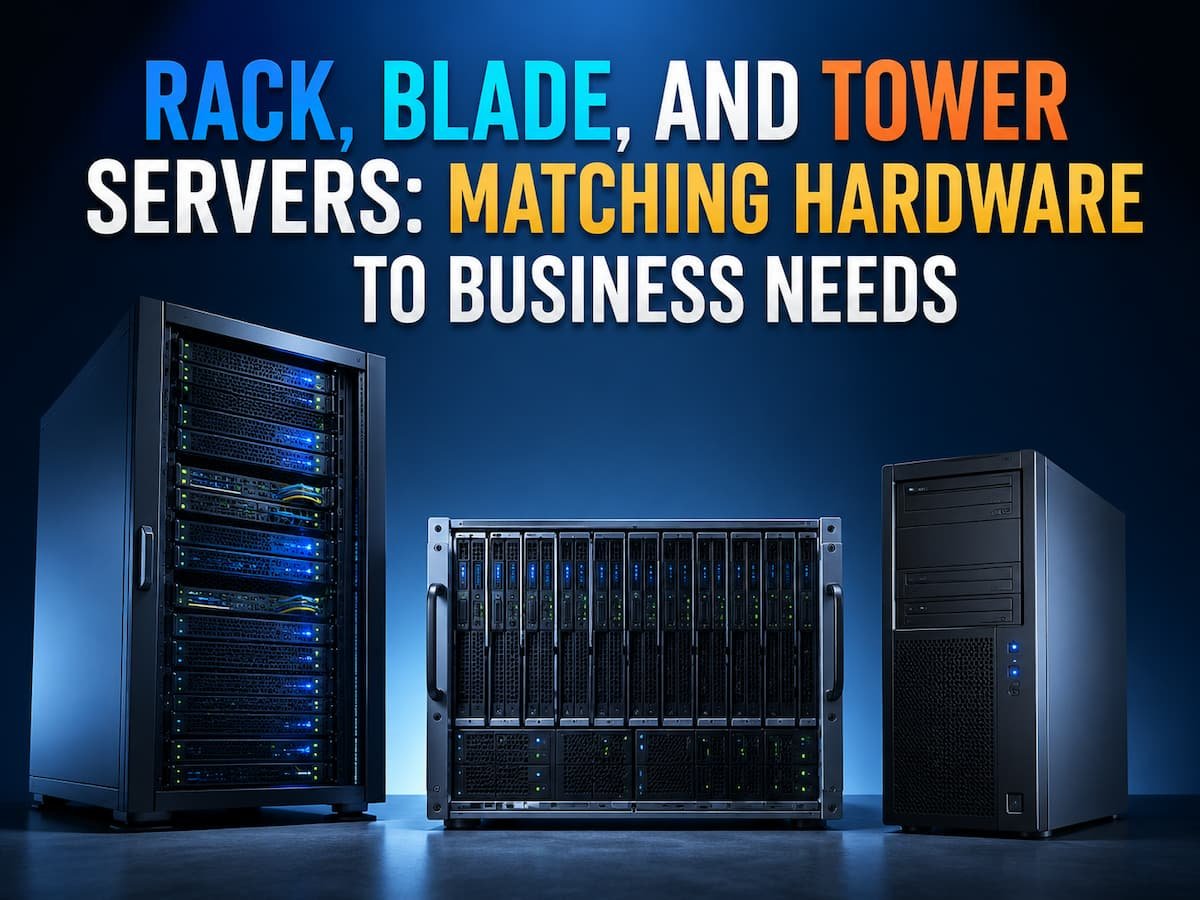
Tower servers resemble normal desktop PCs but are constructed using corporate components for reliability. Vertical they are and normally don’t need special racks or data centre equipment. This architecture has made tower servers suitable for small company, schools, branch offices and organizations that need dedicated server capabilities without creating a massive infrastructure environment.
A corporation might utilize a tower server for file sharing, employee apps, accounting software, database systems, or corporate websites. Installation and maintenance are very easy, as the hardware is easily accessible and does not require extra mounting equipment. Flexibility is one of the key benefits of tower servers. They can be used in an office environment without requiring a dedicated server rack. They are often quieter than huge data centre systems and might be a realistic alternative if space is at a premium.
But as organizations begin to scale, tower servers have their limitations. Tower servers are wasteful when you have lots of them. Each one demands physical space, power outlets and cooling . This might not be an issue for a small business with one or two servers. Other designs are more suited for a corporation that runs dozens or hundreds of systems.
Rack Servers:
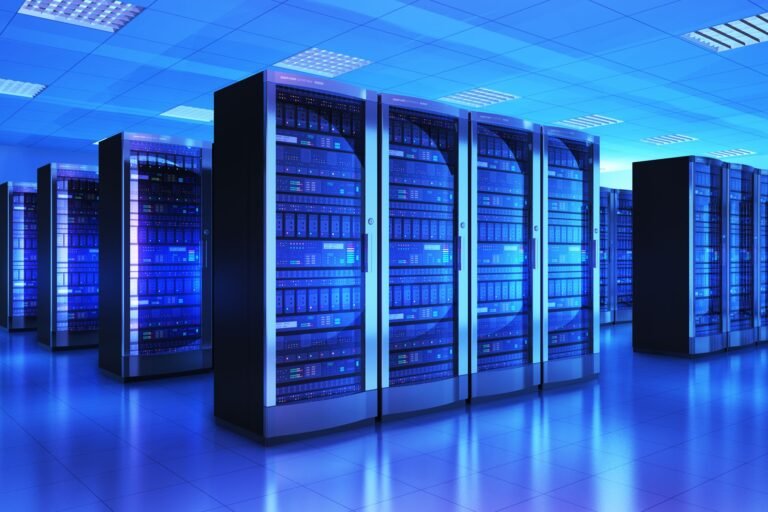
Among the most popular types of servers in professional data centers are rack servers. Rather than being upright, they sit horizontally in specialized racks that store lots of servers together. The big advantage of rack servers is their density. One rack can house several servers, network devices, storage systems and power control tools. This makes them perfect for organizations that need to grow their infrastructure and use space efficiently.
For example, an internet business that is growing might start with a few rack servers to run its website, databases and internal applications. As the need grows, you can add more servers to the same rack without revamping the entire environment. Rack servers are also easier to manage. Since many systems are arranged in a common physical configuration, technicians may more easily reach the hardware, change parts, and work with cables.
The negative is that rack servers generally need more infrastructure planning. Businesses also need proper racks, cooling, power distribution and networking equipment. They can also be noisier and hotter than tower systems, and less ideal for normal office contexts. Rack servers are generally ideal for firms with dedicated IT areas or for organisations that aim to scale their infrastructure over the long term.
Blade Servers:
Blade servers take the rack server idea one step further, focusing particularly on efficiency and compact construction. A blade server is a slim computer module that fits into a standard chassis that has power supply, cooling, network connections and management capabilities. Multiple blade servers share similar infrastructure instead of having distinct components on each server. This decreases the area that needs to be allocated and can ease big scale management.
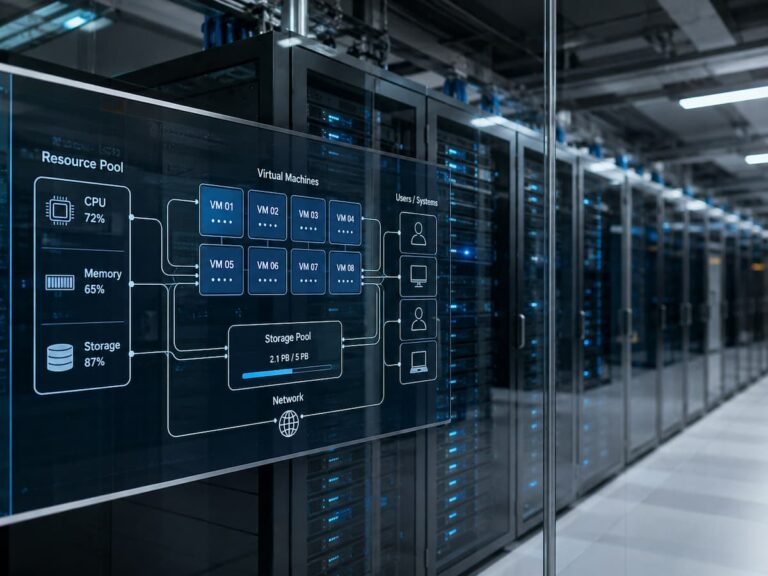
Blade systems are often used by large corporations, cloud providers, research organizations and data centres because they allow a large number of computing units to be housed in a compact space. For example, an organisation running hundreds of virtual machines might employ blade servers to get as much computing power as possible while using less physical infrastructure
Another benefit is centralised management. Large environments are often easier to administer. Many blade servers may be monitored and controlled using a common management interface by administrators . The tradeoff is complexity and cost. Blade systems may require unique chassis equipment and planning. They make most sense when a business requires high server density and has got competent IT people that can manage the environment. For a small organization with only a few applications, the benefits of the added complexity of blade infrastructure would rarely be realized.
Comparing Rack, Blade, and Tower Servers
| Server Type | Best Suited For | Main Advantage | Common Limitation |
|---|---|---|---|
| Tower Server | Small businesses and offices | Simple installation and lower entry cost | Limited scalability |
| Rack Server | Growing businesses and data centers | Efficient expansion and standardized management | Requires dedicated infrastructure |
| Blade Server | Large-scale enterprise environments | Maximum density and shared resources | Higher complexity and specialized requirements |
The right choice depends on the organization’s current needs and expected future growth. A company should avoid selecting hardware based only on performance specifications because operational requirements often matter just as much.
How Business Size Influences Server Selection
Small organizations tend to employ tower servers, as they offer stable computing capability without the need for a separate data center infrastructure. A small organization with a few employees may just need one server for storing files, backups, and business applications. Buying a big rack or blade system would undoubtedly add to the costs and administration problems. Medium-sized organizations tend to gravitate towards rack servers as their infrastructure needs get more sophisticated. They may need distinct servers for databases, apps, websites, and virtual machines.
For large companies, the need is typically for highly scalable environments that run 24×7 with hundreds or thousands of workloads. Rack- and blade-based servers provide the density, administration capabilities, and expansion options that large businesses require. The trick is to match the hardware design with real workload requirements, not to assume that larger businesses always need the latest technology.
Server Virtualization Alters Hardware Decisions
Modern virtualization has transformed the way businesses think about physical servers. Rather than assigning one server to a specific application, businesses can operate many virtual machines on a single physical server. This implies a single, powerful rack server might replace numerous older tower servers, hosting multiple workloads at the same time.
Virtualization also influences expansion planning. If existing hardware has enough processor, memory, and storage capacity, a firm may not need new physical servers right away. But actual hardware choices still matter. Underlying server resources limit the virtual machines. So the right hardware needs to be selected, with the right capacity.
Server Hardware: Common Pitfalls to Steer Clear of
One of the biggest mistakes is to buy too much capacity. Sometimes a business will purchase enterprise-grade hardware for future growth, but wasted resources are an expense with little immediate value. Another mistake is to overlook maintenance requirements. Later on, a server that fits the demand but is difficult to administer can cause operational headaches.
Power and cooling needs are often ignored as well. High performing servers generate a lot of heat and must be planned for the environment. Businesses should also think about replacement cycles. Hardware needs to satisfy today’s requirements and be supported as software requirements expand over time.
Planning for Growth in the Future
Be realistic when you choose a server for future use. Growth does not always equate to getting the biggest system you can get. It involves selecting infrastructure that scales when necessary.
For example, a small business might start with a tower server and move to rack servers as applications and personnel numbers grow. A larger business may use a combination of rack and blade systems to accommodate a range of workloads. Regular assessments of performance, storage utilization and application needs enable companies to make intelligent choices before infrastructure becomes a detractor.
Conclusion
Rack, blade and tower servers all have their uses. Tower servers are straightforward and economical for smaller setups. Rack servers are a great middle ground for businesses that want scalability and effective management. Blade servers provide high density computing in big locations where space and resource efficiency are crucial.
There is no optimal design for every server. Your decision will be ideal for you depending on your workload requirements, available space, technical skills, budget and plans for future expansion. Understanding the differences between these server types helps businesses develop infrastructure that supports their goals without excessive complexity or expense. Good server planning is not about buying the biggest hardware you can buy, it is about buying the hardware that suits the job.
FAQs
1. What is the difference between rack, blade, and tower servers?
The biggest distinction is how they are physically designed and used. Tower servers are self-contained and designed for simplicity, making them ideal for small firms or offices. Rack servers are designed to be installed on server racks and are used in businesses that require scalable infrastructure. Blade servers are small modules that fit into shared chassis systems. They are generally utilized in big data centers where space saving and simplified management are vital.
2. Are Rack Servers More Powerful than Tower Servers?
Not really. The shape of the server does not affect its performance. It is the components inside the server that matter, such as CPUs, memory, storage, and networking capabilities. equal hardware specs can be used for a tower server and a rack server to achieve equal computing performance. The biggest difference is in the way they are installed, maintained and expanded.
3. Why do big organizations utilize blade servers?
Blade servers are commonly chosen by large businesses, as they allow a large number of computer devices to fit into a smaller physical space. Blade servers share power supply, cooling systems, and administrative tools since they use a single chassis. This can make things easier in large setups. They are especially beneficial in data centers where the priorities are space efficiency and centralized management.
4. Are cloud services replacing physical servers?
Cloud services minimize the need for many businesses to buy and operate physical servers, but they do not eradicate them. There are still a lot of physical servers under these cloud companies’ platforms. Many firms also employ hybrid systems, blending their own hardware and cloud resources to get the ideal combination of control, flexibility, and cost-effectiveness.
5. How often should the company change the server hardware?
The server replacement cycle depends on workload requirements, dependability, vendor support and performance requirements. Although many organizations examine their hardware every few years, age should not be the only consideration for replacement; instead, rising maintenance costs, restricted upgrade choices, security needs, and diminishing performance should all be taken into account.