HDMI, DisplayPort, and USB-C: Choosing the Right Display Interface
In the past, choosing a display interface was simple. A single cable connected the monitor to the system, the video signal was transmitted via that cable, and the system displayed the content. Today, however, computer systems operate much more complexly. With the rise of high-refresh-rate gaming monitors, professional-grade displays, laptops with docking stations, external graphics cards, and multi-monitor workstations, monitor connectivity has become significantly more intricate.
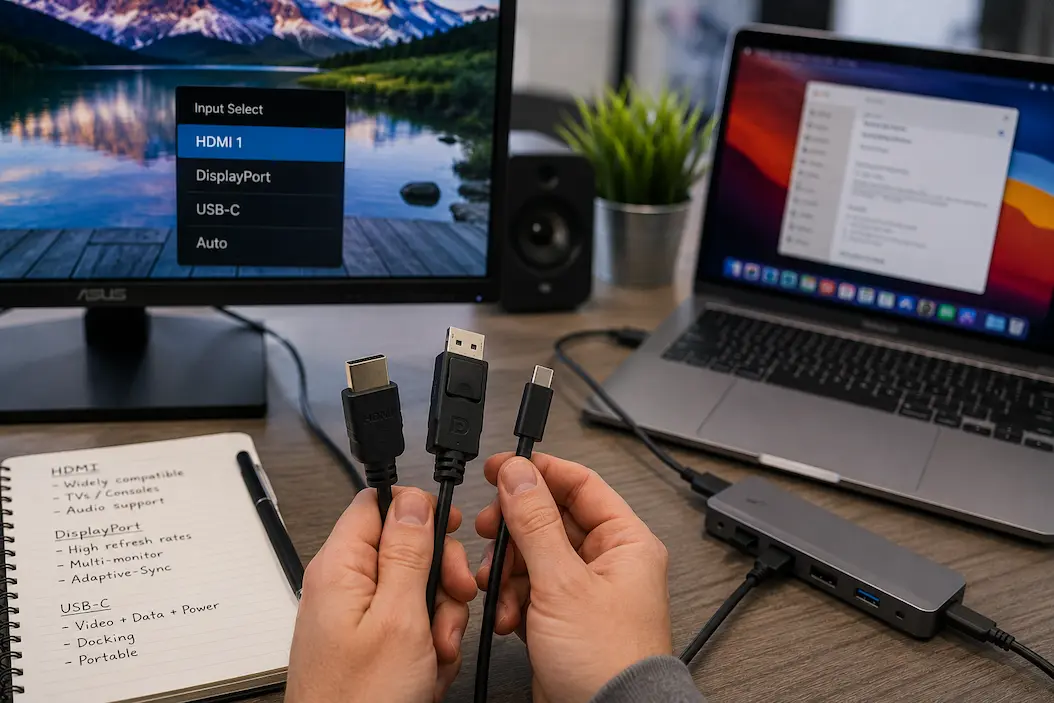
Currently, HDMI, DisplayPort, and USB-C are the three most common methods for connecting monitors. While all three are capable of transmitting high-quality video, they were originally designed with different goals in mind and were developed to address different needs.
HDMI quickly became the standard for consumer electronics due to its excellent compatibility with TVs, game consoles, and home theater systems. DisplayPort was originally designed for computer monitors and professional graphics processing, with functionality optimized for desktop computers. The advent of USB-C revolutionized this landscape by integrating power delivery, data transfer, and video output into a single, compact interface.
Selecting the right connection method is not straightforward, as the “newest” or “fastest-looking” option does not always yield the best results. The ideal choice depends on the monitor type, the hardware, the quality of the cable, and how the system is used.
Understanding the technical differences between these connection methods allows you to make the right choice without being swayed by marketing hype.
Display Interfaces Are More Than Physical Connectors
A common mistake is to view HDMI, DisplayPort, and USB-C as simple cable types. The connector is only the visible part of a much larger communication system.
A display interface must handle several tasks simultaneously:
- Transmitting high-resolution image data.
- Maintaining signal quality over distance.
- Supporting refresh rate requirements.
- Managing audio transmission.
- This includes handling additional features such as adaptive synchronization or device control.
The physical connector only provides the pathway. The actual capabilities depend on the underlying protocol, bandwidth availability, and how manufacturers implement the technology.
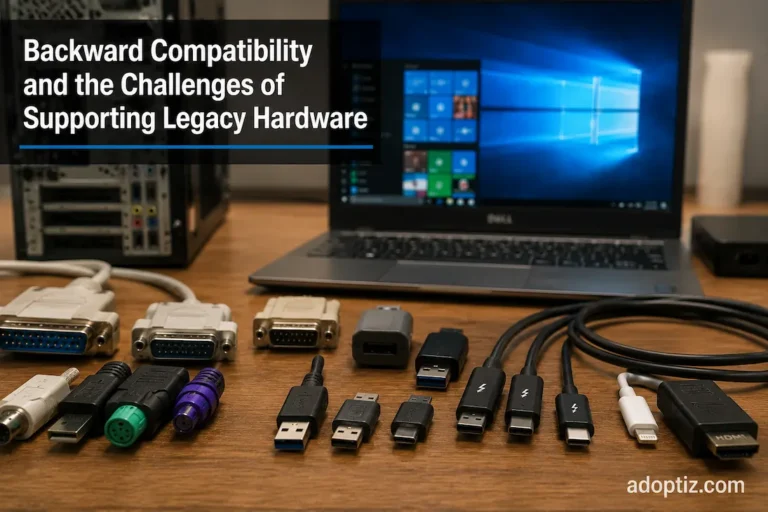
This scenario explains why two cables with similar appearances may deliver completely different results. A USB-C port on one laptop may support advanced display output, while another USB-C port may only handle data transfer and charging. Likewise, an HDMI cable that works perfectly for a standard monitor may not support the requirements of a high-refresh-rate display.
Compatibility is therefore determined by the complete system, not just the shape of the connector.
HDMI: The Universal Display Interface for Consumer Technology
HDMI became one of the most widely recognized display connections because it successfully combined several functions into one standard. Instead of requiring separate cables for video and audio, HDMI allowed both signals to travel through a single connection.
This made it especially attractive for:
- Televisions.
- Gaming consoles.
- Home theater systems.
- Streaming devices.
- Consumer monitors.
Its widespread adoption created a strong ecosystem where users could connect different devices with minimal configuration.
However, HDMI’s success also created complexity. The term “HDMI” represents multiple generations with different capabilities. A modern HDMI connection may support advanced features that older versions cannot provide, meaning the label alone does not reveal the complete performance potential.
Why HDMI Remains Important
Despite the rise of other interfaces, HDMI continues to dominate many environments because compatibility is a major advantage.
A gaming console connected to a television, a streaming device connected to a display, or a laptop connected to a conference room screen will often rely on HDMI because it is already supported almost everywhere.
This broad adoption creates a practical benefit: users are less likely to encounter connection problems in everyday scenarios.
However, computer-focused workloads can expose situations where other interfaces offer advantages.
DisplayPort Was Designed Around Computer Display Needs
DisplayPort emerged with a different focus. While HDMI was strongly associated with consumer electronics, DisplayPort was designed primarily for computer displays and professional graphics environments.
Its development reflected the increasing demands of desktop computing:
- Higher monitor resolutions.
- Multiple display setups.
- Professional visualization workloads.
- Advanced graphics applications.
One of DisplayPort’s important characteristics is its flexibility in handling computer display configurations. It has traditionally been popular among users who require multiple monitors, high refresh rates, or specialized display features.
This does not mean DisplayPort is automatically superior in every situation. The best interface depends on the environment. A television setup may benefit from HDMI’s ecosystem advantages, while a workstation with multiple monitors may benefit from DisplayPort’s design priorities.
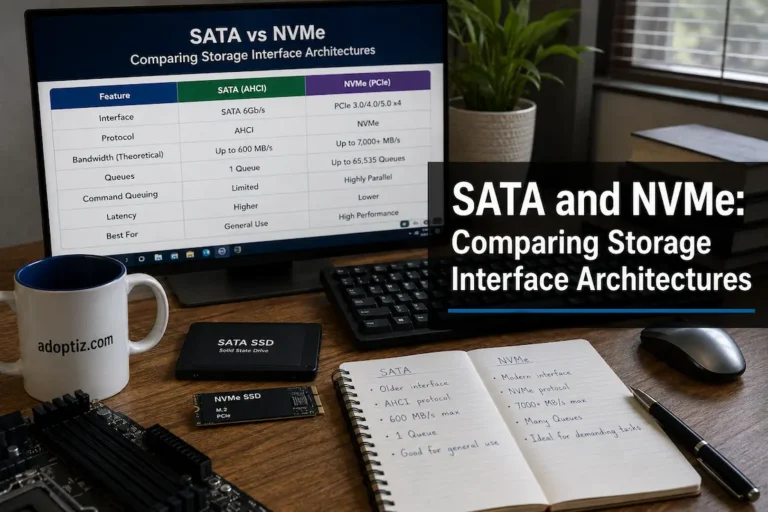
Bandwidth Matters, But It Is Not the Entire Story
Display interfaces are often compared using bandwidth numbers because bandwidth determines how much image data can be transmitted. Higher bandwidth can enable combinations such as:
- Higher resolutions.
- Higher refresh rates.
- Greater color depth.
- Advanced display features.
However, bandwidth alone does not determine the final user experience.
A display system depends on multiple factors working together:
| Factor | Why It Matters |
|---|---|
| Interface version | Determines available technical capabilities |
| Cable quality | Affects whether the signal can reliably reach the display |
| Graphics hardware | Determines what output the system can actually generate |
| Monitor capability | Limits the final resolution and refresh rate |
| Software support | Enables features such as adaptive synchronization |
A high-bandwidth connection cannot create performance that the graphics hardware does not provide. Similarly, an expensive monitor cannot achieve its full capability if the connection path becomes the limiting factor.
The interface is one part of the chain.
USB-C Changed Display Connectivity by Adding Flexibility
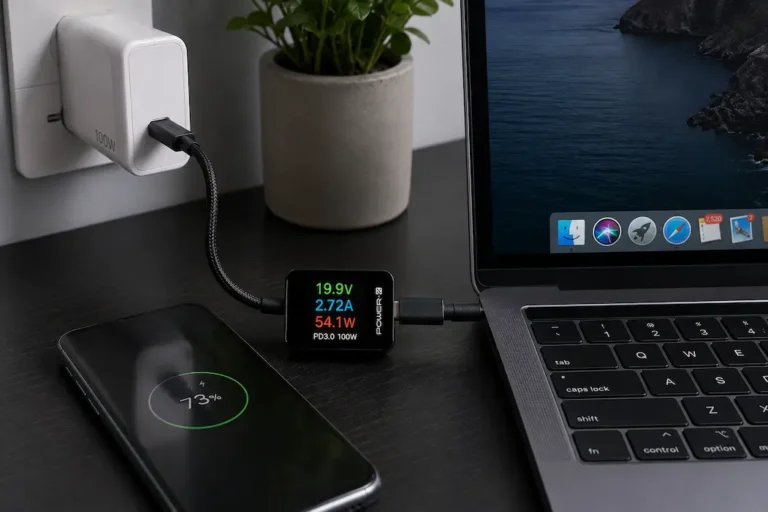
USB-C introduced a major shift because it combined a compact connector with multiple possible functions. Unlike traditional display cables that primarily focus on image transmission, USB-C can support different forms of communication depending on implementation.
A single USB-C connection may potentially handle:
- Display output.
- Data transfer.
- Charging.
- Docking functionality.
This made USB-C particularly valuable for modern laptops, where manufacturers increasingly prioritize thin designs and reduced port count.
A laptop user can connect one cable to a docking station and potentially gain access to external displays, storage devices, networking, and power delivery simultaneously.
However, this flexibility also creates confusion.
Not every USB-C port supports the same capabilities. The connector shape may look identical, but the internal features can differ significantly between devices.
USB-C Requires Understanding the Technology Behind the Port
The biggest misunderstanding about USB-C is assuming the connector itself defines capability.
It does not.
A USB-C port may support different combinations of:
- USB data speeds.
- Display output technologies.
- Power delivery levels.
- External device compatibility.
This means two laptops with identical USB-C ports may behave differently when connected to the same monitor.
One may support a full external display setup, while another may only provide charging or basic data connectivity.
The important lesson is that modern connectivity depends less on the physical connector and more on the protocols supported behind it.
Choosing the Right Interface Based on Real Usage
The best display interface is not determined by which technology appears newest. It depends on what the system needs to accomplish. Different users encounter different limitations because their workloads, hardware, and display requirements vary significantly.
A person connecting a laptop to a television has a different set of priorities compared with someone running a high-refresh gaming monitor or managing a professional workstation with multiple displays.
The right choice usually comes from understanding the relationship between the source device, the display, and the connection standard.
Gaming Displays: Bandwidth and Feature Support Become Critical
Modern gaming monitors often push display interfaces harder than traditional office displays. High refresh rates, higher resolutions, variable refresh technologies, and advanced color features all increase the amount of data that must move between the graphics processor and the monitor.
For example, a standard office monitor may operate comfortably with modest bandwidth requirements because the workload involves documents, web applications, and general productivity tasks. A gaming monitor running at a high refresh rate requires a much more demanding connection because the system must transmit significantly more image information every second.
This is where DisplayPort has traditionally been strong in desktop gaming environments. Its design aligns closely with computer graphics workloads, especially when users need features commonly associated with PC gaming displays.
However, HDMI has also continued evolving and remains highly relevant, especially where gaming systems connect to televisions or where devices need broad consumer compatibility.
The important consideration is not whether one interface is universally better. It is whether the interface supports the specific combination of:
- Resolution.
- Refresh rate.
- Color requirements.
- Graphics hardware capability.
- Display features.
Professional Workflows Require Reliability and Flexibility
Professional environments often have different priorities from gaming systems. A video editor, designer, engineer, or content creator may care less about achieving the highest possible refresh rate and more about consistent color reproduction, stable multi-monitor operation, and predictable connectivity.
In these situations, the interface must support the entire workflow rather than just the display itself.
A professional workstation may involve:
- Multiple monitors.
- External storage.
- Docking stations.
- Specialized peripherals.
- High-resolution displays.
USB-C has become increasingly important in these environments because it simplifies connectivity. A single connection can potentially replace multiple cables, reducing workspace complexity.
However, convenience should not replace technical verification. A USB-C docking setup is only effective if the laptop, dock, cables, and monitors all support the required capabilities.
A compact connection does not automatically mean a complete solution.
Cable Quality Is Often the Hidden Limitation
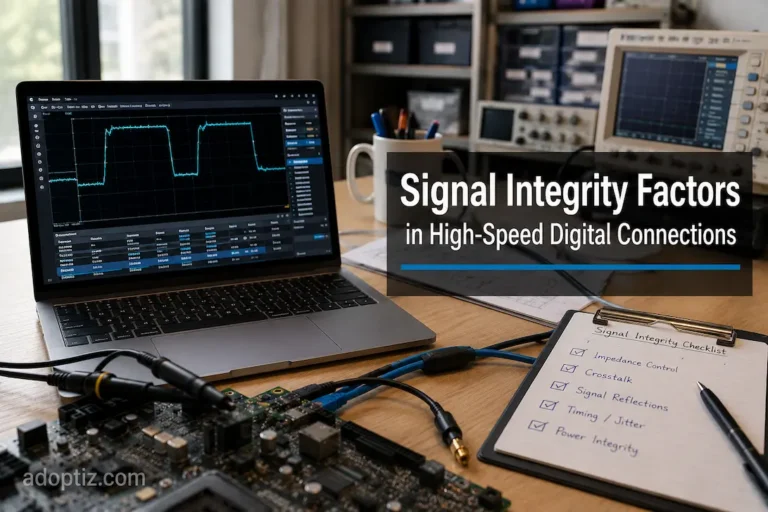
Many display problems are incorrectly blamed on the monitor or graphics card when the actual limitation is the cable.
As display requirements increase, cables must maintain reliable signal transmission at higher speeds. Small differences in construction quality, length, and certification can influence whether a connection performs correctly.
Common symptoms of cable-related limitations include:
- The display running at a lower refresh rate than expected.
- Intermittent signal loss.
- Failure to activate advanced display features.
- Random flickering under demanding conditions.
This is especially important with newer high-bandwidth connections. A cable that worked perfectly for an older monitor may not be suitable for a newer display with greater requirements.
The connection chain is only as strong as its weakest component.
Why Newer Does Not Always Mean Better
A common mistake in technology purchasing is assuming that the newest interface automatically provides the best experience. In reality, newer standards often introduce additional capabilities that only matter in specific scenarios.
For example, a user with a basic productivity monitor may gain little practical benefit from the highest available interface technology. The monitor itself may already operate below the limits of older standards.
Meanwhile, another user running a demanding professional setup may immediately benefit from newer capabilities.
This creates an important distinction:
Technical capability and practical usefulness are not always the same thing.
A connection standard should be evaluated according to the workload it supports, not simply by its position in a product generation timeline.
The Future Direction of Display Connectivity
Display technology continues moving toward higher resolutions, faster refresh rates, improved color accuracy, and more integrated computing environments. As these demands increase, display interfaces will continue evolving to provide greater bandwidth and better efficiency.
However, the future is not likely to be defined only by faster connections. Convenience and integration are becoming equally important.
Users increasingly expect a single connection to handle multiple tasks:
- Display output.
- Charging.
- Data transfer.
- Peripheral connectivity.
This explains why flexible standards such as USB-C have gained importance alongside traditional display-focused interfaces.
The direction of display connectivity reflects a broader trend in computing: reducing complexity while increasing capability.
Making a Practical Choice
When selecting a display connection, focusing on a few practical questions is usually more useful than comparing specifications alone.
Consider:
What device is providing the display signal?
A desktop graphics card, laptop, gaming console, and docking station may support different connection options.
What does the monitor require?
A basic display and a high-end professional monitor have very different bandwidth demands.
Will the setup change in the future?
A connection that meets current requirements may become limiting if future upgrades involve higher-resolution displays or additional monitors.
Is convenience important?
A USB-C docking setup may be valuable for users who frequently connect and disconnect laptops, while a dedicated DisplayPort or HDMI connection may make more sense for permanent desktop setups.
What Are the Differences Between HDMI, DisplayPort, and USB-C?
HDMI, DisplayPort, and USB-C are not competing or interchangeable technologies; each was developed with a different purpose in mind.
HDMI’s success stems from its ease of use and its ability to connect to consumer entertainment devices.
DisplayPort’s importance in the computing world lies in its ability to support a wide range of display configurations.
USB-C has revolutionized our approach to connectivity by integrating power, data, and display functions into a single, compact interface.
The most reliable choice is the one that meets all your system’s requirements.
Monitor connections are more than just cables linking two devices; the connected hardware affects performance, compatibility with other equipment, ease of use, and longevity.
FAQs
Is the image quality of HDMI and DisplayPort the same?
Yes; image quality depends more on supported specifications, bandwidth, and implementation than on the name of the interface itself. Provided the hardware and version match, both interfaces can support high-quality displays.
Why aren’t all USB-C monitors compatible with my laptop?
Because “USB-C” refers only to the physical connector, not the range of functions it supports. Some USB-C ports can drive a monitor, while others are designed solely for charging or data transfer.
Is DisplayPort better than HDMI in some situations?
DisplayPort is generally better suited for specific PC display setups—particularly those involving multiple monitors and high refresh rates. However, HDMI remains highly useful in consumer electronics and for many general display tasks.
Do expensive display cables improve image quality?
In most cases, better cables will not improve an already superior digital signal. Their primary advantage is reliable performance, even with high bandwidth requirements, long-distance transmission, or when using advanced playback features.