Managed and Unmanaged Switches: Where Each Fits Best
This highlights the difference between managed and unmanaged switches. Although both types of switches forward network traffic, their design objectives differ significantly. One is simple to use, while the other offers administrators more flexible, advanced configuration options. The key to selecting a switch is not necessarily to seek out the most advanced solution, but to choose the right switch for the specific situation. A simple network environment may not require feature-rich devices, yet a basic switch can also limit complex network configurations.
How Unmanaged Switches Work
Unmanaged network switches are the simplest type. They are ready to use and need almost no configuration. Simply connect the device to a port, and the switch automatically forwards network traffic. The primary function of an unmanaged switch is to increase the number of network connections. Unmanaged switches allow multiple wired devices to connect to a router in a home office that has limited Ethernet ports. The switch automatically detects device connections and transmits data. Users do not need to manually establish connections or monitor performance. This simplicity makes unmanaged switches ideal for environments that require nothing more than network connectivity.
However, this simplicity also limits control. Unmanaged switches generally lack network activity data, traffic prioritization, and advanced security features. Administrators also have fewer tools at their disposal for diagnosing issues. Many small networks can tolerate these limitations; home users connecting desktops, game consoles, smart TVs, and printers rarely require enterprise-grade control.
How Managed Switches Improve Network Control
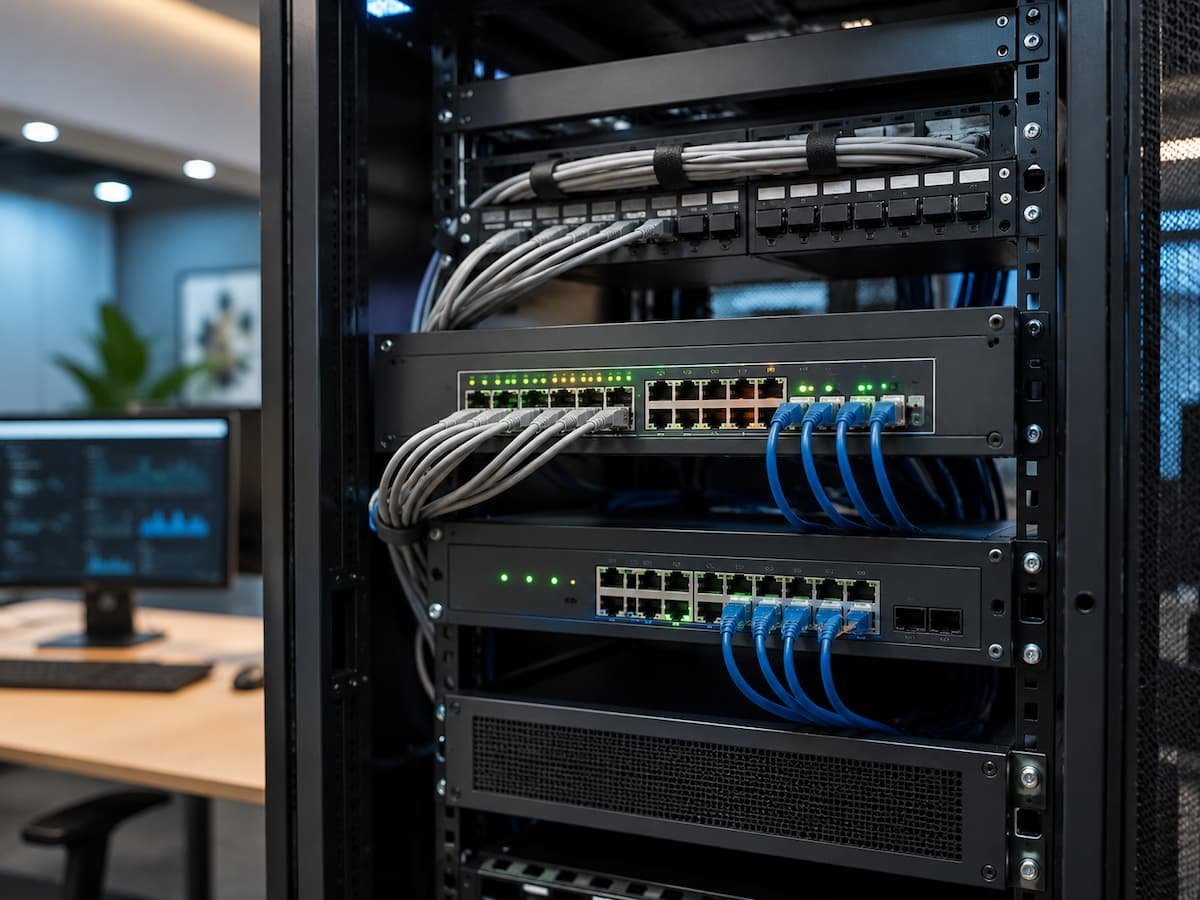
Managed switches add network configuration and monitoring capabilities to a switch’s basic functions. Administrators can manually adjust settings based on performance, security, and organizational needs, rather than relying on automatic adjustments. Managed switches are used by businesses, data centers, schools, and other environments that demand high network reliability. Administrators can view and adjust switch activity via web interfaces, command-line tools, or network management systems.
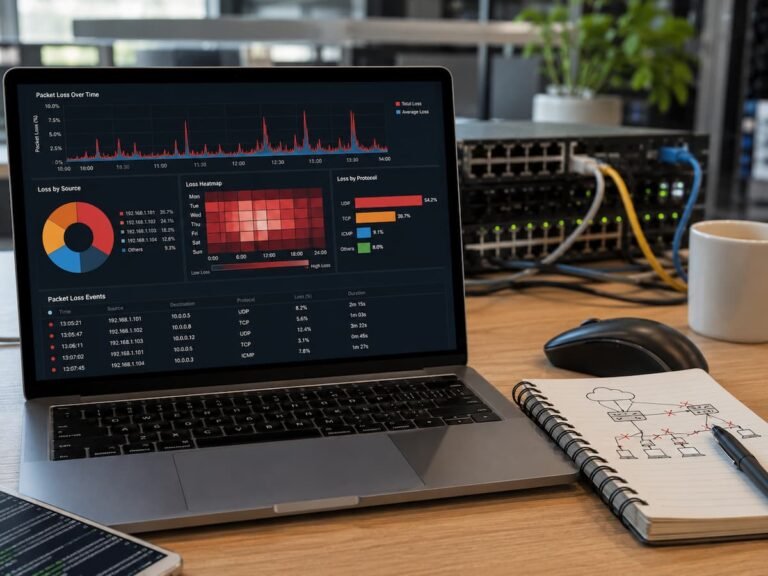
Visibility is a major advantage. Managed switches can generate reports on connected devices, traffic, issues, and performance. This information helps administrators identify problems before they cause significant disruptions.
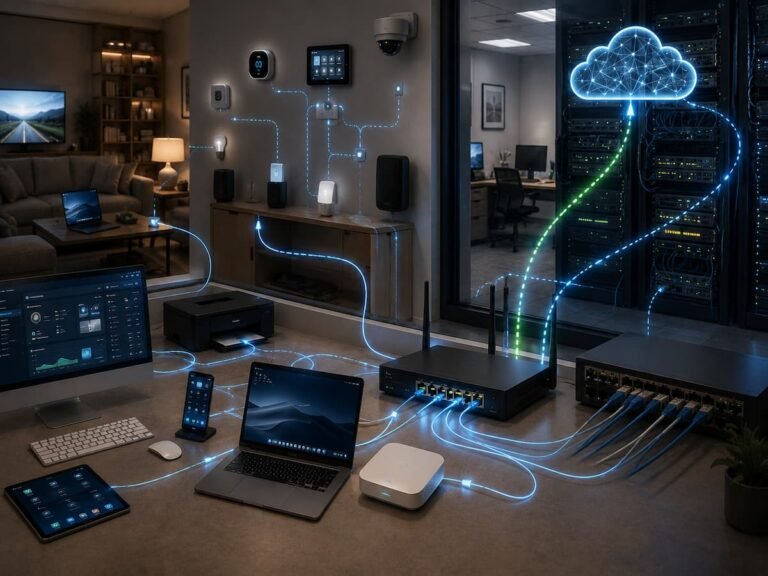
VLANs (Virtual Local Area Networks) divide a physical network into multiple logical networks managed by managed switches. Corporate computers, Wi-Fi guest users, and surveillance cameras can reside on different network segments while sharing the same switch hardware. Another key capability is traffic prioritization. Quality of Service (QoS) prioritizes voice calls and video conferencing over lower-priority data transmissions.
Key Differences Between Managed and Unmanaged Switches
| Feature | Unmanaged Switch | Managed Switch |
| Configuration | Works automatically with minimal setup | Requires configuration and management |
| Network monitoring | Limited or unavailable | Detailed monitoring and statistics |
| VLAN support | Usually unavailable | Commonly supported |
| Traffic control | Basic forwarding only | Supports prioritization and management |
| Typical users | Homes and small simple networks | Businesses and complex networks |
The difference is not that one switch is faster than the other. Both can provide high-speed network connections depending on the model and specifications. The main difference is the amount of control available to the person managing the network. A managed switch gives administrators more tools to shape how the network operates. An unmanaged switch focuses on providing reliable connectivity without requiring technical decisions.
Where Unmanaged Switches Fit Best
Small offices with low networking needs may profit from unmanaged switches. Some employees sharing printers, PCs, and internet access don’t need extensive traffic control. Easy deployment is another benefit. People without networking skills can connect and use unmanaged switches immediately. Fewer configuration settings and unintended errors. Future growth is key. Small networks may need additional regulation. Before buying an unmanaged switch, examine whether the network will need segmentation, monitoring, or security controls.
When Managed Switches Are Better
When networks need organization, visibility, or control, managed switches help. These are for downtime, security, and performance-critical environments. Traffic types require different treatment; thus, businesses utilize managed switches. Office PCs, guest gadgets, phones, cameras, and servers may need to work together but remain separate for security.
Troubleshooting with managed switches is helpful. Instead of guessing, administrators can analyze traffic data to find causes of slow connections or unreliable services. Centralized management helps large networks. Without touching each device, IT staff can monitor many switches, apply consistent settings, and make modifications. More talents mean more responsibilities. Managed switches need networking skills, and improper configuration might cause connectivity issues. They increase power but demand greater management.
Common Network Switch Selection Mistakes
Price-based selection is a common mistake. The cheapest approach may work initially but hinder network growth. A little more competent switch can provide future flexibility. Another fallacy is thinking managed switches are always better. Only when they solve problems are advanced features useful. Complex setup choices that are never utilized may not assist a tiny home network.
People sometimes neglect port regulations. Consider the number of devices that need connections now and in the future before buying a switch. Network speed is also important. Switches should match device and network speed needs. Not all internal devices can use a fast internet connection.
Last thoughts: Matching the Switch to Environment
Both controlled and unmanaged switches are crucial. The best option depends on network management, visibility, and adaptability. Unmanaged switches are ideal for simple environments that need more wired connections without complexity. With minimal setup, they deliver reliable connectivity.
Managed switches are preferable for secure, organized, and fast networks. Administrators can monitor traffic, isolate networks, and address problems better. The greatest network equipment may not have many features. Equipment that meets present needs and allows for expansion.
FAQs
1. Can unmanaged switches be used alongside managed switches?
Yes. Many networks use both types of switches. Managed switches handle critical network functions, while unmanaged switches provide simple connectivity in situations where advanced control is not required.
2. Do managed switches improve network speed?
Managed switches do not automatically improve network speed. Their advantage lies in better traffic control, monitoring, and management, not in higher internet bandwidth.
3. Are unmanaged switches less reliable?
Not necessarily. For simple networks, unmanaged switches can be very reliable. Their limitation lies not in basic performance, but in the lack of advanced management capabilities.
4. Should small businesses use managed switches?
That depends on business needs. For small businesses with growing network requirements, multiple departments, security vulnerabilities, or critical online service needs, managed switches may be more beneficial.
References
- Cisco Networking Resources — Documentation covering Ethernet switching, VLANs, and network management concepts.
- RFC Editor — Official technical standards related to networking protocols.
- Internet Engineering Task Force — Internet standards organization providing networking documentation.
“`